Unifiedpost payments for WooCommerce
A payment API connection with merchant settings and separate success and failure returns.
I connected Unifiedpost to WooCommerce through a dedicated PHP gateway.
- Field
- Commerce payments
- Built with
- WooCommerce / PHP / WordPress
- Client
- Unifiedpost
The challenge
The store needed a Unifiedpost payment choice without managing payments separately from WooCommerce orders. The request had to carry the total, currency and an order reference, then bring the shopper back to the correct store page.
The approach
I built a dedicated PHP gateway that sends the WooCommerce order to the provider API. The merchant can configure the payment copy, API key and logging in the usual settings screen. Separate return routes handle success and failure.
The project, in detail
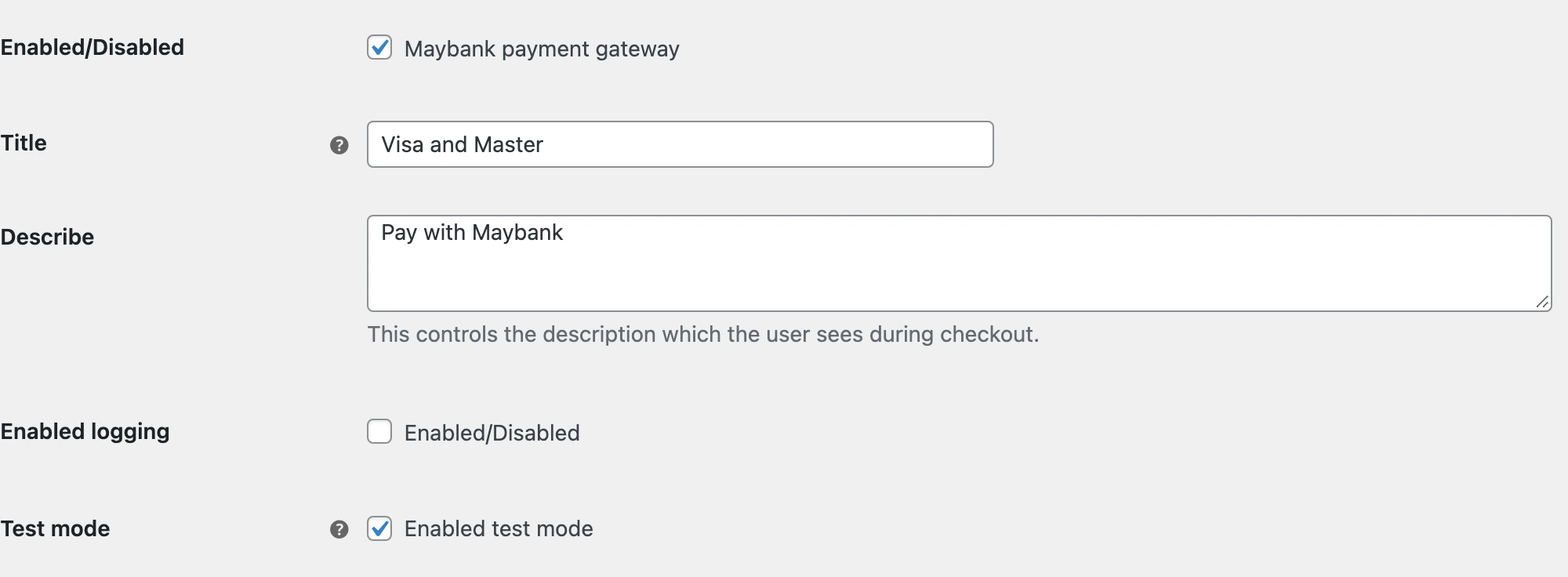
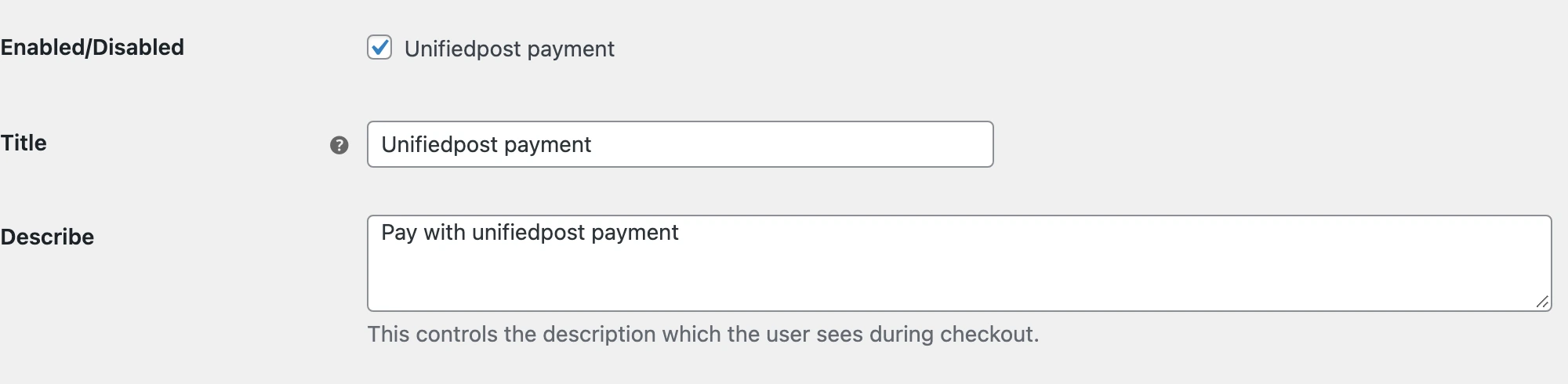
Real screens from the original public plugin running in a local WooCommerce demo. Credentials are empty. The checkout uses a demo product and no payment was submitted.
A small set of merchant settings
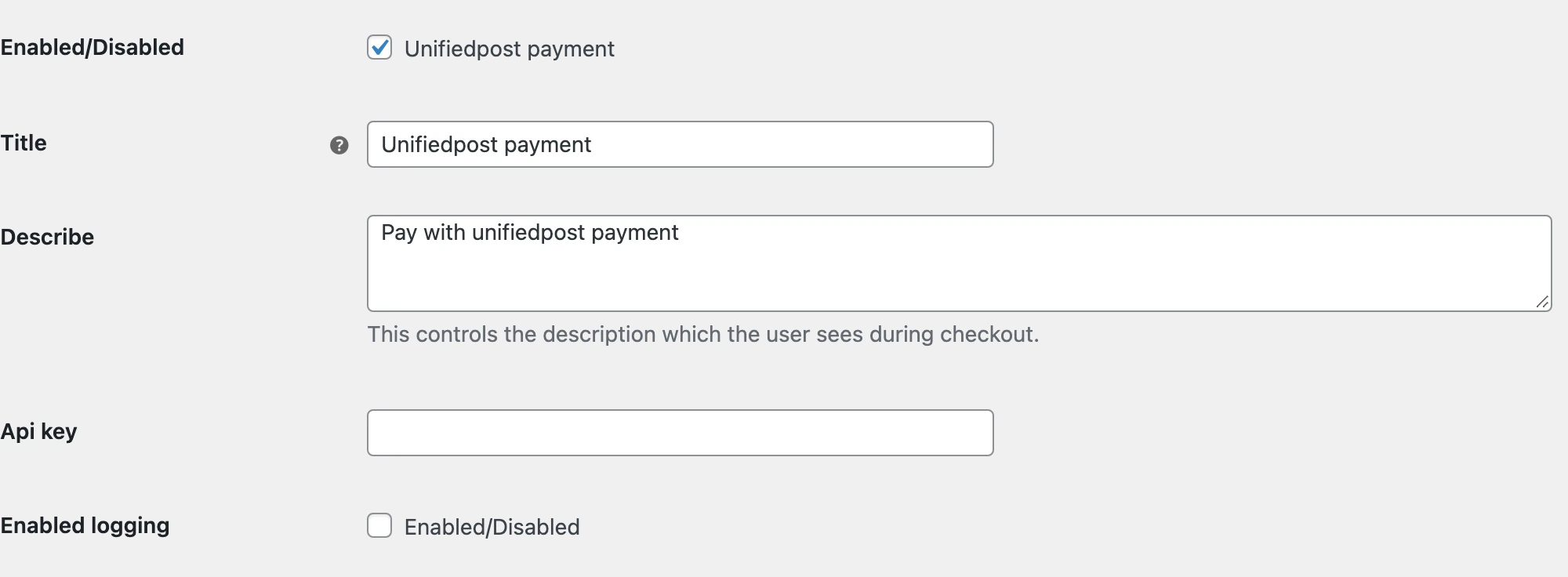
I kept the configuration focused on what the store owner needs. The gateway has an enable switch, payment title and description, API key field and logging option. The local screenshot shows the original settings with an empty key. The shopper-facing text comes from those settings rather than being hard-coded in a separate checkout.
Connecting the request and the return
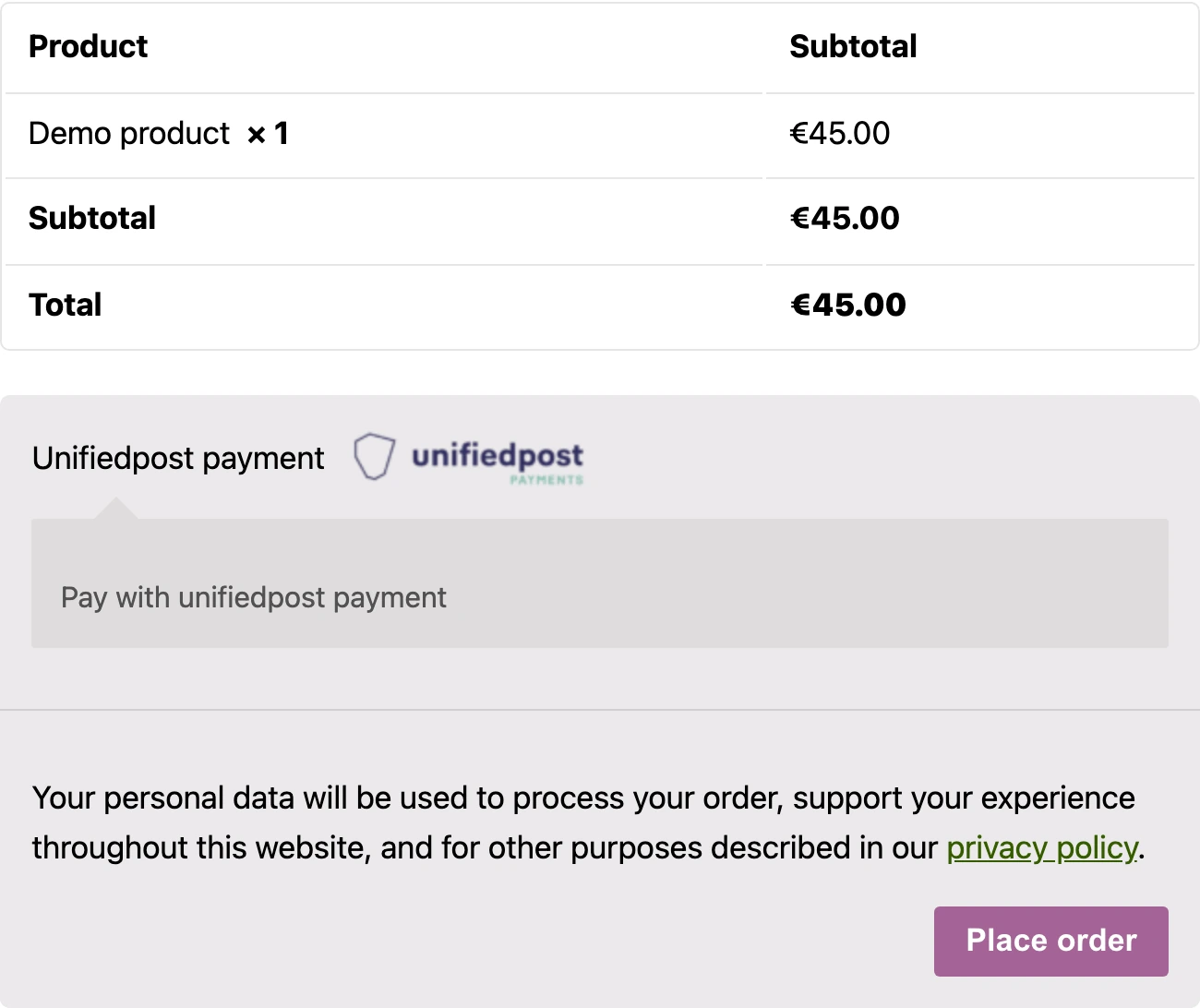
The request includes the order total, currency and reconciliation reference. The source checks its supported currency list before sending the payment request and defines separate success and failure URLs. The local checkout uses a demo product priced in euros. It shows the payment choice only; no provider request or transaction was submitted.
The outcome
Payment copy, API key and optional logging inside WooCommerce.
Order data sent to the provider API with distinct success and failure returns.
Details of Unifiedpost payments for WooCommerce
What was connected in this work?
I connected Unifiedpost to WooCommerce through a dedicated PHP gateway. The store sends the order to the payment API and handles separate success and failure return routes. Merchant settings expose the payment title, description, API key and logging option.
Do the screenshots show real customer payments?
No. They show the original public plugin running in a local WordPress and WooCommerce demo. Merchant credentials are empty and the product and amount are demo data. The screenshots show settings and payment selection, not a completed transaction or the client's production store.