Maybank card and instalment payments
Two WooCommerce payment methods with shared bank credentials and separate checkout labels.
I developed the Maybank connection for WooCommerce with separate standard and instalment gateways.
- Field
- Commerce payments
- Built with
- WooCommerce / PHP / WordPress
- Client
- Maybank
The challenge
The store needed to offer Maybank payments and instalments through WooCommerce. Those are different choices for a shopper, but both have to use the merchant connection and return a result the store can attach to an order.
The approach
I developed the Maybank plugin with separate standard and instalment gateways. The connection handles bank tokens and signed request data. The main settings carry test and live credentials, while the instalment gateway has its own checkout label and description.
The project, in detail
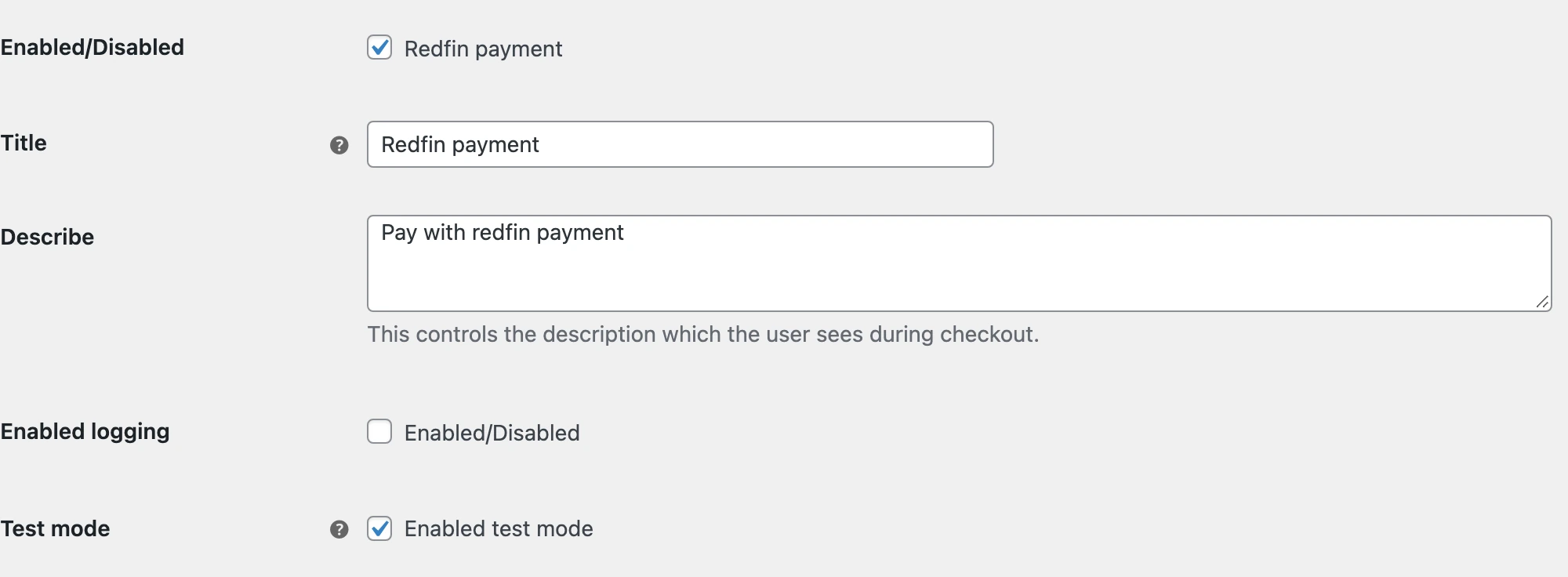
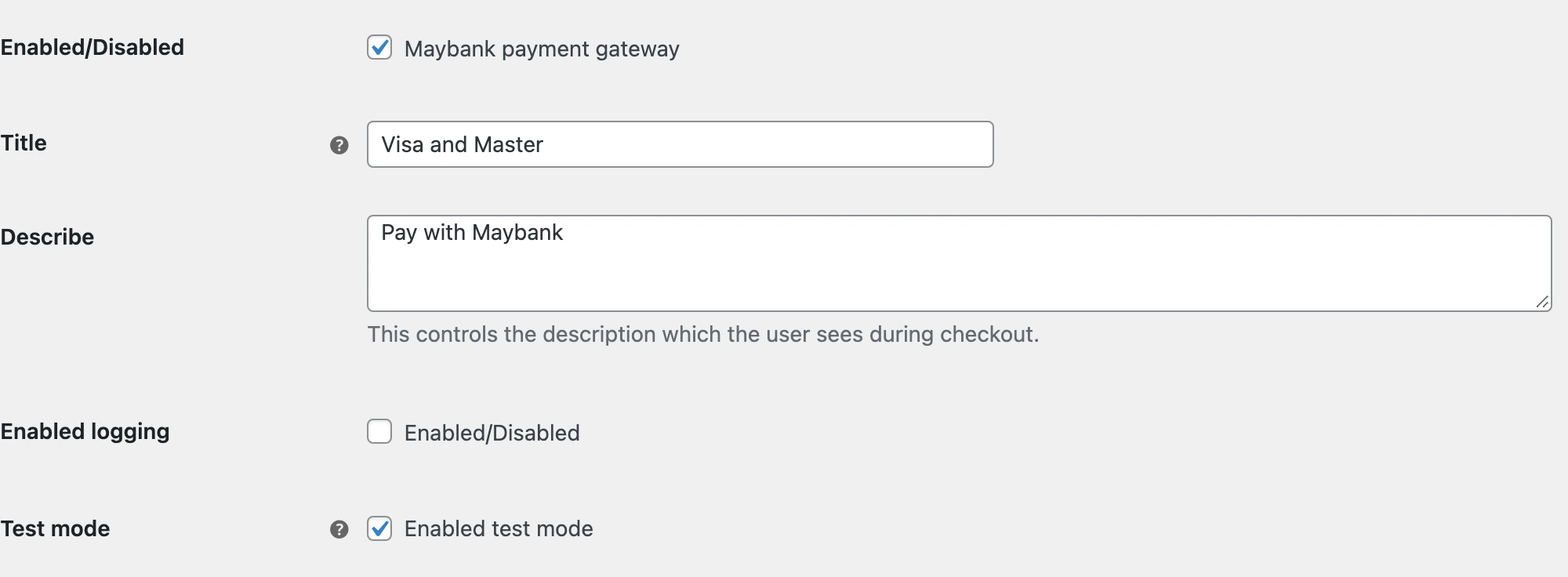
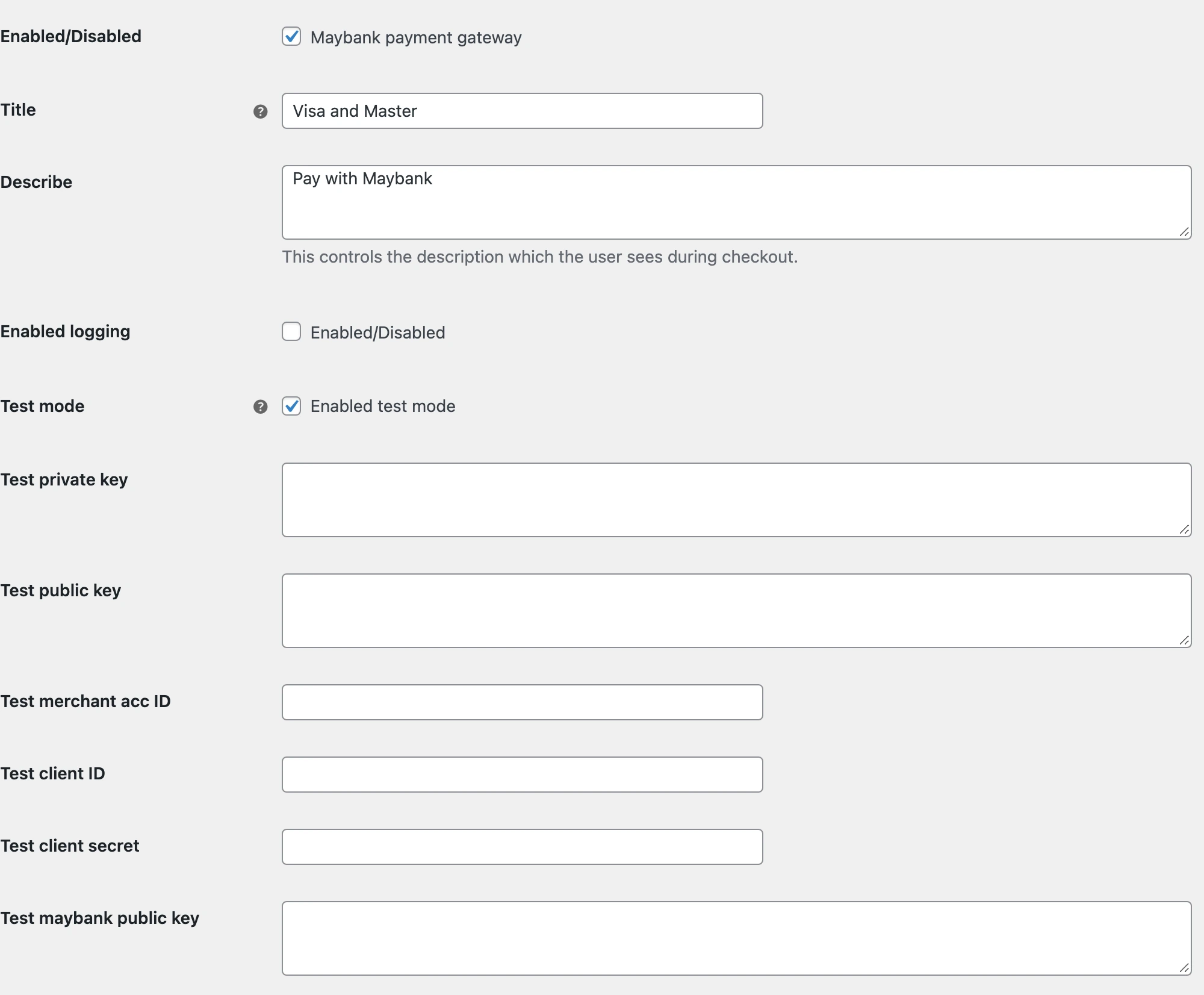
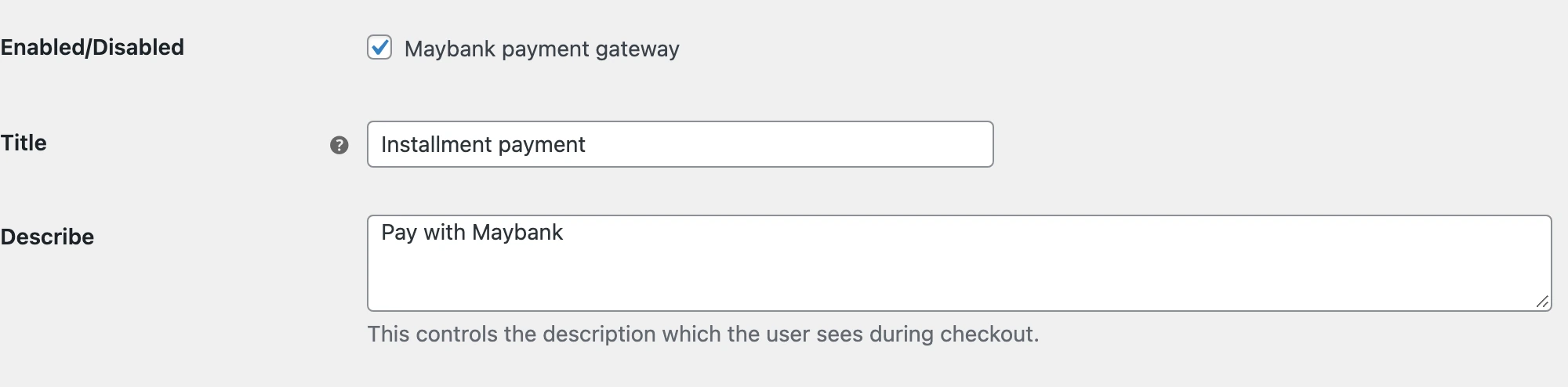
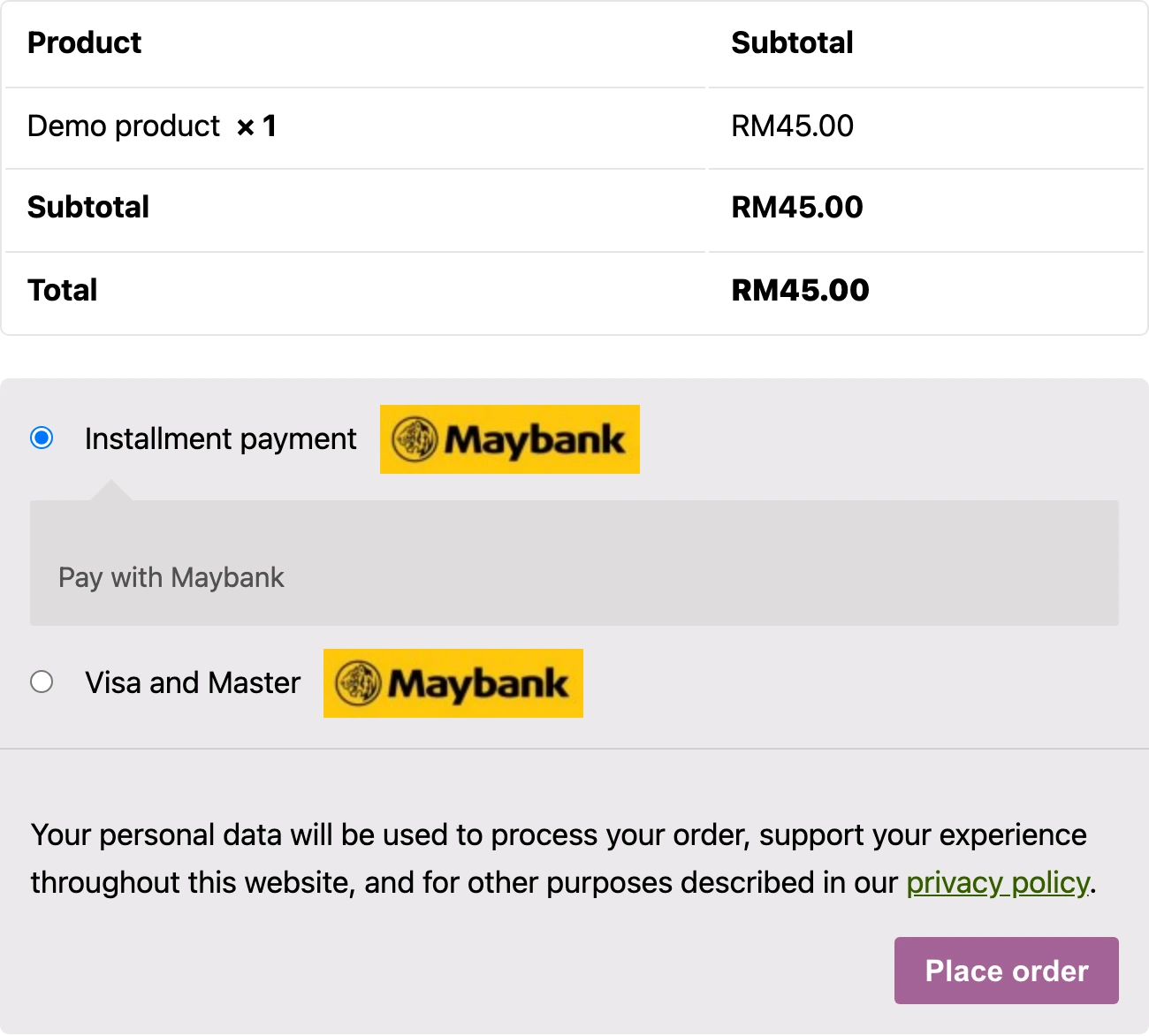
Real screens from the original public plugin running in a local WooCommerce demo. Credentials are empty. The checkout uses a demo product and no payment was submitted.
Preparing the bank connection
The main settings separate testing from the live merchant account. They expose the merchant account ID, client credentials and public and private keys. The plugin also checks the store currency and customer country before offering the standard payment method. The local demo uses MYR and Malaysia, with every credential field left blank.
A separate route for instalments
I registered instalment payment as its own WooCommerce method rather than adding a vague note to the card option. A merchant can enable it and set the customer-facing copy separately. The source also stores the payment term and first, last and monthly instalment amounts when those values are returned by the bank.
Returning to the right order
The implementation carries an order reference into the payment request and handles the bank response on return. Card and instalment choices appear together in this local checkout. No bank authorization, refund or instalment agreement was created for these screenshots.
The outcome
Separate card and instalment methods in WooCommerce.
Test and live credentials, token and signature handling, and instalment details tied to the order.
Details of Maybank card and instalment payments
What was connected in this work?
I developed the Maybank connection for WooCommerce with separate standard and instalment gateways. The implementation includes token and signature handling, payment-method validation, return routes and instalment details attached to the order.
Do the screenshots show real customer payments?
No. They show the original public plugin running in a local WordPress and WooCommerce demo. Merchant credentials are empty and the product and amount are demo data. The screenshots show settings and payment selection, not a completed transaction or the client's production store.