Tinkoff
payment links and saved cards for WooCommerce
I follow the handoff from WooCommerce order to bank payment link; the store still needs control over configuration and return visits.
- Field
- Commerce payments
- Built with
- WordPress / WooCommerce / PHP
- Client
- Tinkoff payment integration
The challenge
Commerce and service platforms needed a bank payment option within WooCommerce, together with support for returning customers and a way to test the integration before accepting live payments.
The approach
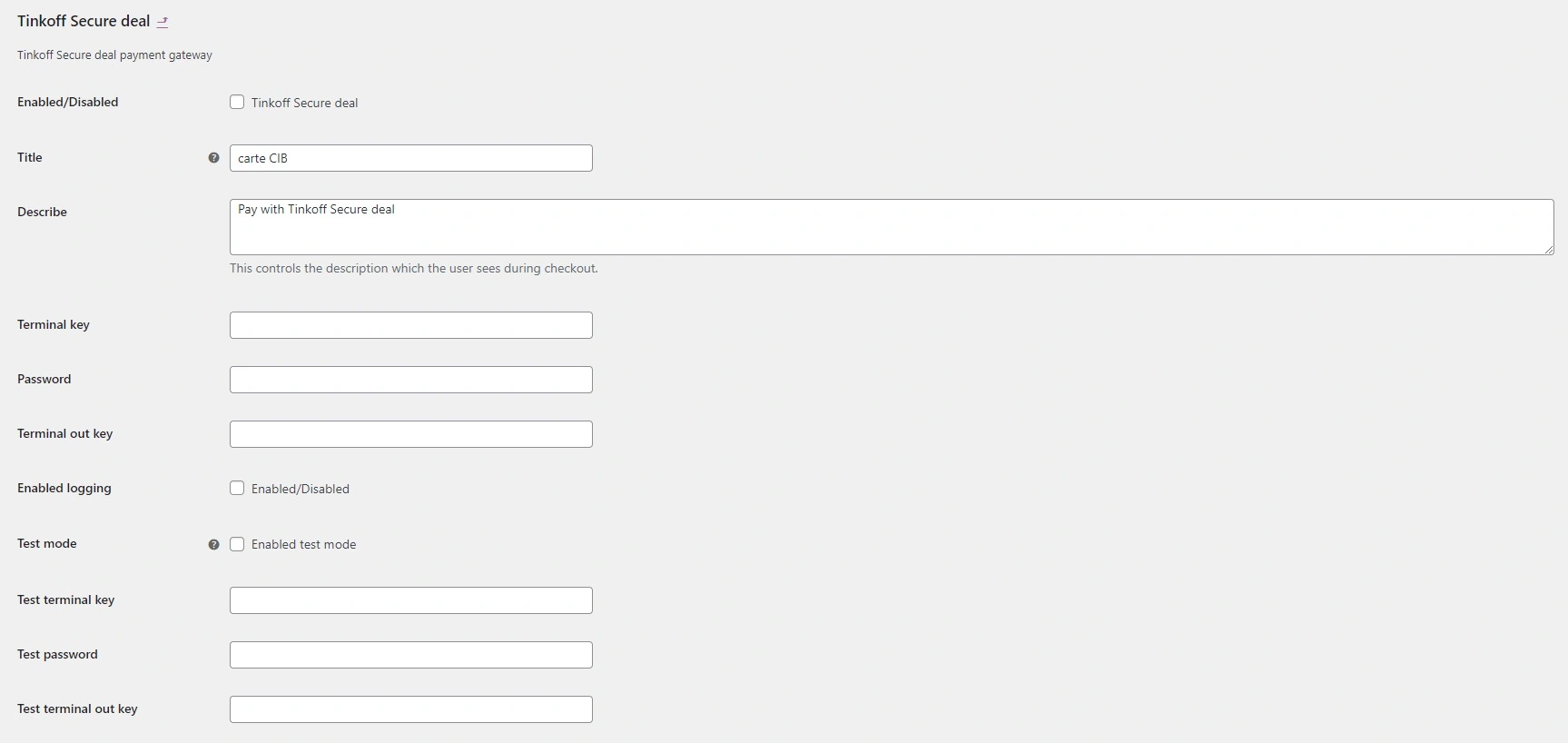
The documented delivery was a Tinkoff payment plugin. It requests a payment link from the bank and redirects the customer to that payment flow, with merchant configuration managed in WooCommerce.
The project, in detail
A payment method inside checkout
The integration turns the shop order into a payment request and obtains the corresponding bank link. The customer then follows that link to complete the payment rather than entering the same order in a separate merchant process.
Saved-card management
Customer accounts support linking a card for later purchases, viewing the saved-card list with partially hidden details and removing a card. These controls make repeat-payment preferences manageable by the customer.
Separate test configuration
A test mode lets the merchant exercise the payment flow before enabling live transactions. The administration separates the test settings from the live terminal settings, keeping both environments explicit.
The outcome
A WooCommerce gateway with bank-generated payment links, saved-card controls and a test mode.
Details of Tinkoff
What was connected in this work?
WooCommerce orders handed off to bank payment links while merchants retained configuration and returning customers could use saved cards.