Dokan postal fulfillment integration
From a paid marketplace order to shipment forms and delivery tracking.
I see fulfilment as part of the marketplace order, from the buyer's delivery choice to the seller's shipment forms.
- Field
- Marketplace logistics
- Built with
- WordPress / WooCommerce / Dokan
- Client
- Dokan fulfilment integration

The challenge
A marketplace runs on more than checkout. Buyers need to choose how their order arrives. Sellers need shipment forms and a reliable way to follow the parcel. The client wanted those steps connected to Dokan and WooCommerce instead of handled in a separate manual process.
The approach
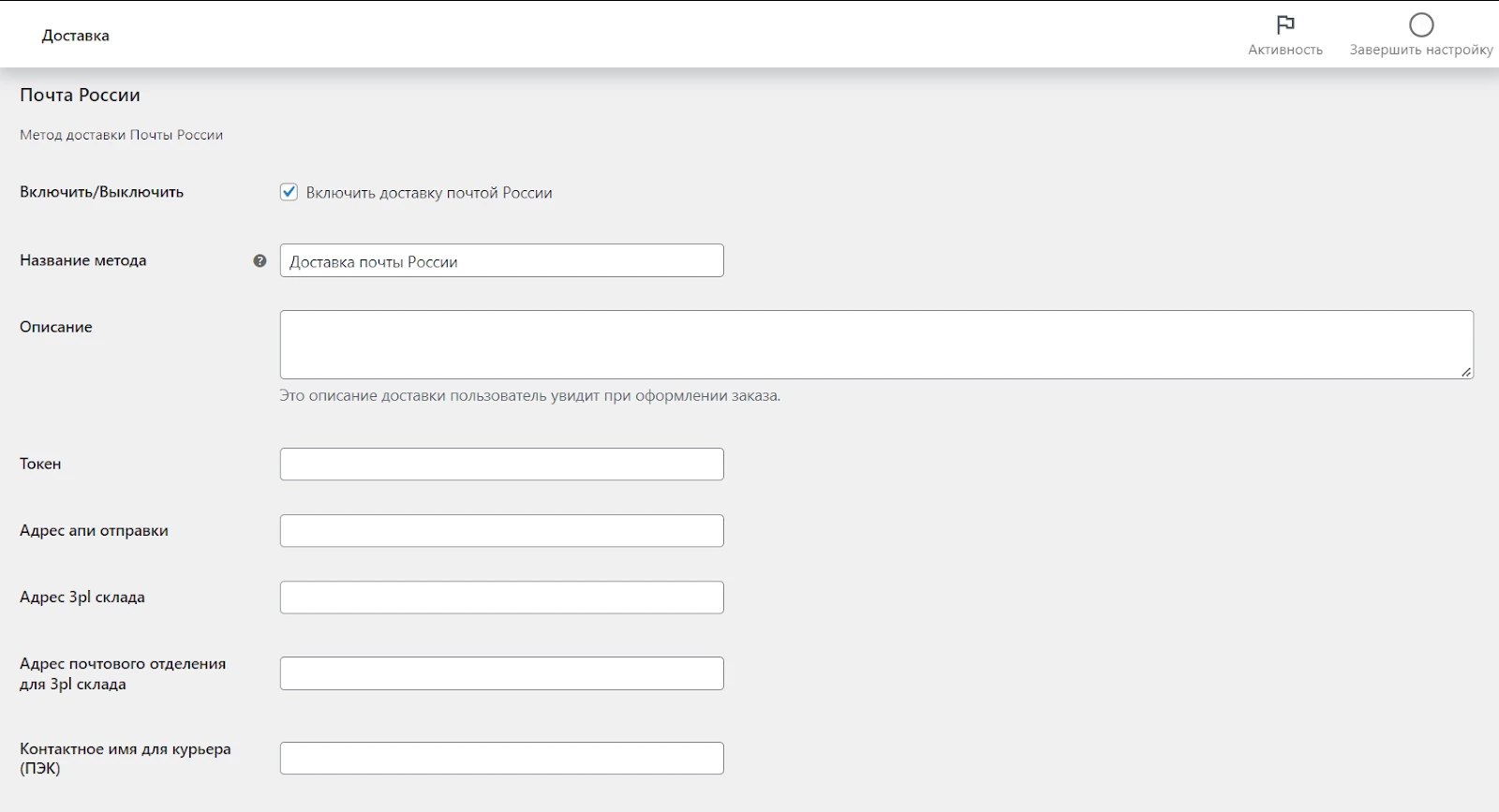
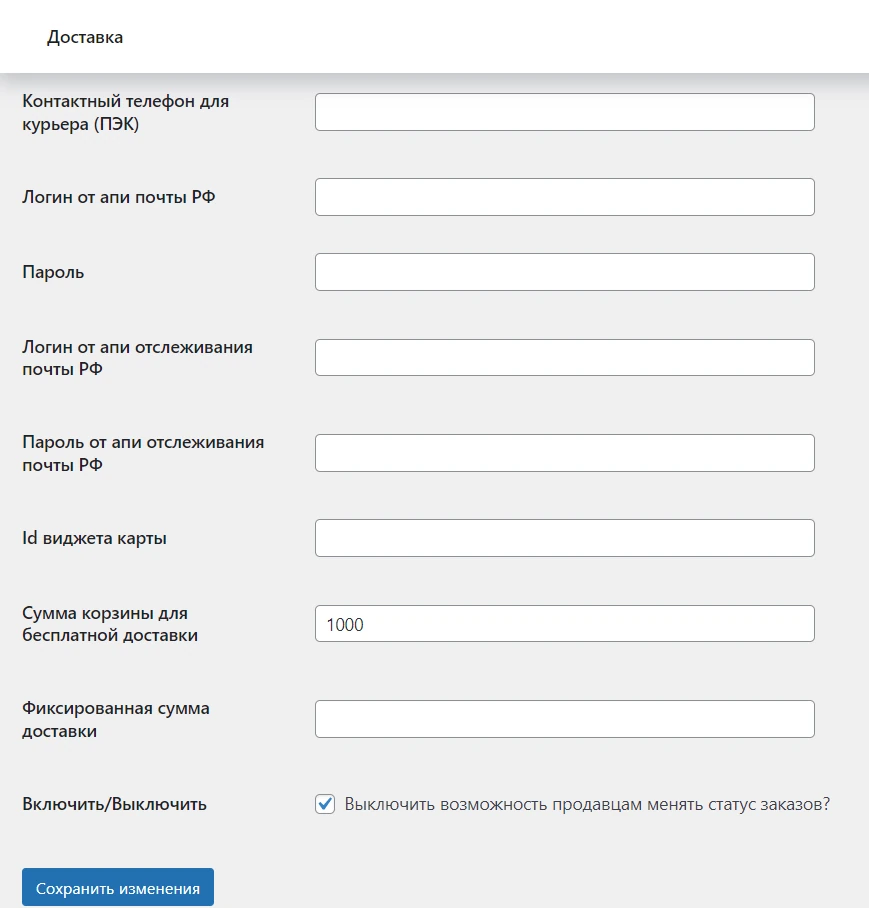
I worked with my OnePix colleagues on a plugin connecting the marketplace to Russian Post. It calculates delivery rates, creates shipments and the associated forms after payment, and brings delivery updates back to the WooCommerce order. The two original settings screens below show how the carrier connection was configured.
The project, in detail
The images show the interface and its context. Captions distinguish project archives from current-site views.
Setting up delivery in the store
I treated delivery settings as part of the order flow. The administrator enables the method, chooses the name shown at checkout and connects the shipment API. The buyer can choose a pickup point or delivery to the door. Warehouse and dispatch details sit in the same configuration, so the shipping process has the information it needs before an order is placed.
Keeping the parcel and the order connected
The second settings screen continues the carrier setup with shipment and tracking credentials, the map widget and delivery pricing rules. Sellers get shipment forms and can follow dispatch progress. When the parcel is received, its status returns to the WooCommerce order. The public screens are from plugin version 1.0.4, not a claim of compatibility with every current WordPress release. The published plugin credits Anton Drobyshev and OnePix.
The outcome
Shipping rates, shipment documents and parcel status connected to the marketplace order.
Details of Dokan postal fulfillment integration
What was connected in this work?
The delivery choice in a marketplace order carried through to the seller's postal shipment forms.