BanBajío
A WooCommerce payment plugin with merchant configuration and bank notification handling.
I developed the BanBajío WooCommerce connection.
- Field
- Commerce payments
- Built with
- WooCommerce / PHP / WordPress

The challenge
The store needed to pass a WooCommerce order to BanBajío and receive the payment update against that order. The bank connection also needed merchant identifiers and key files that an administrator could configure.
The approach
I developed the BanBajío WooCommerce connection. The plugin prepares the order fields for the bank payment form and includes routes for incoming notifications and order-status checks. The merchant settings hold the service ID, payment concept and public and private key files.
The project, in detail
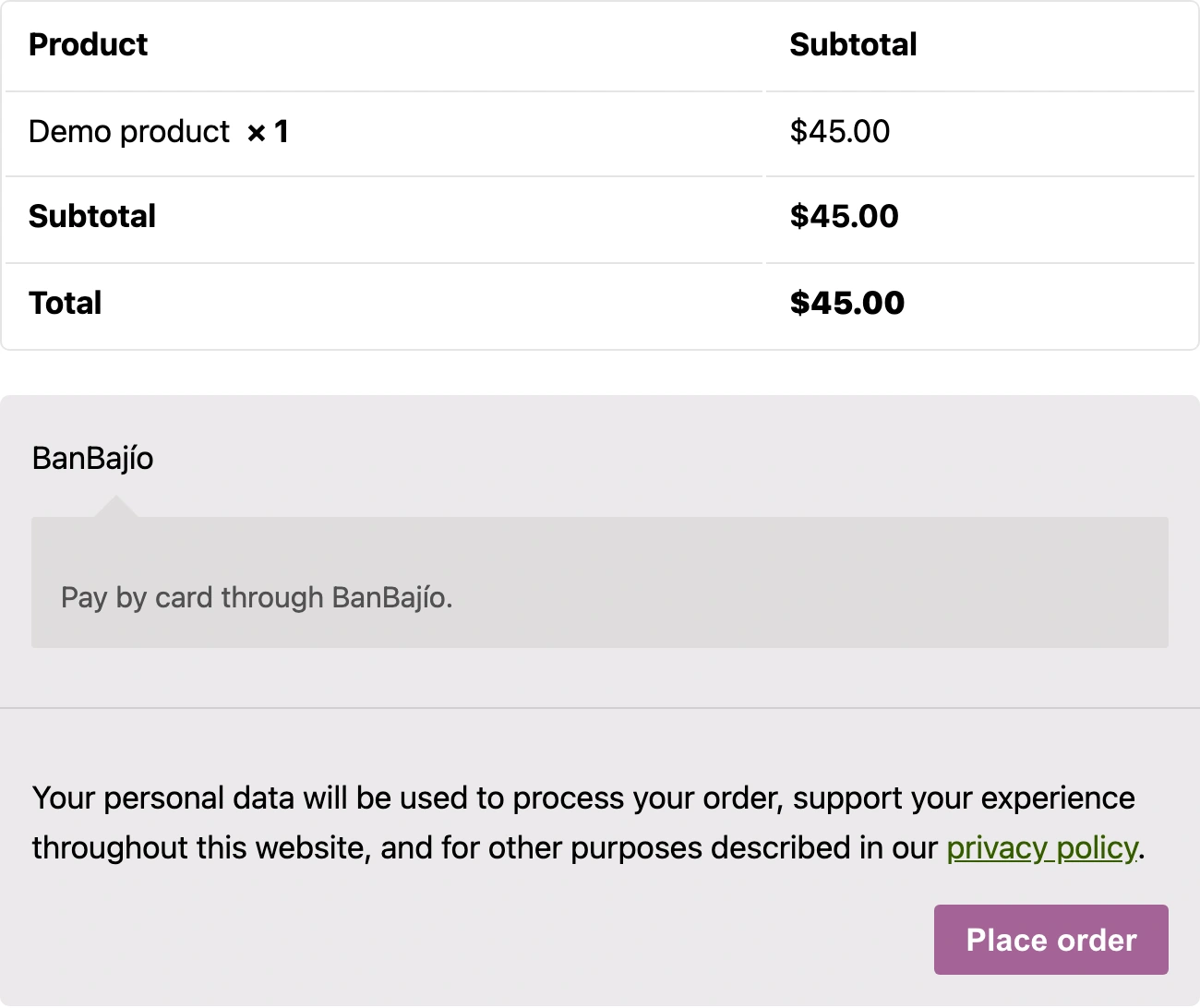
Real screens from the original public plugin running in a local WooCommerce demo. Credentials are empty. The checkout uses a demo product and no payment was submitted.
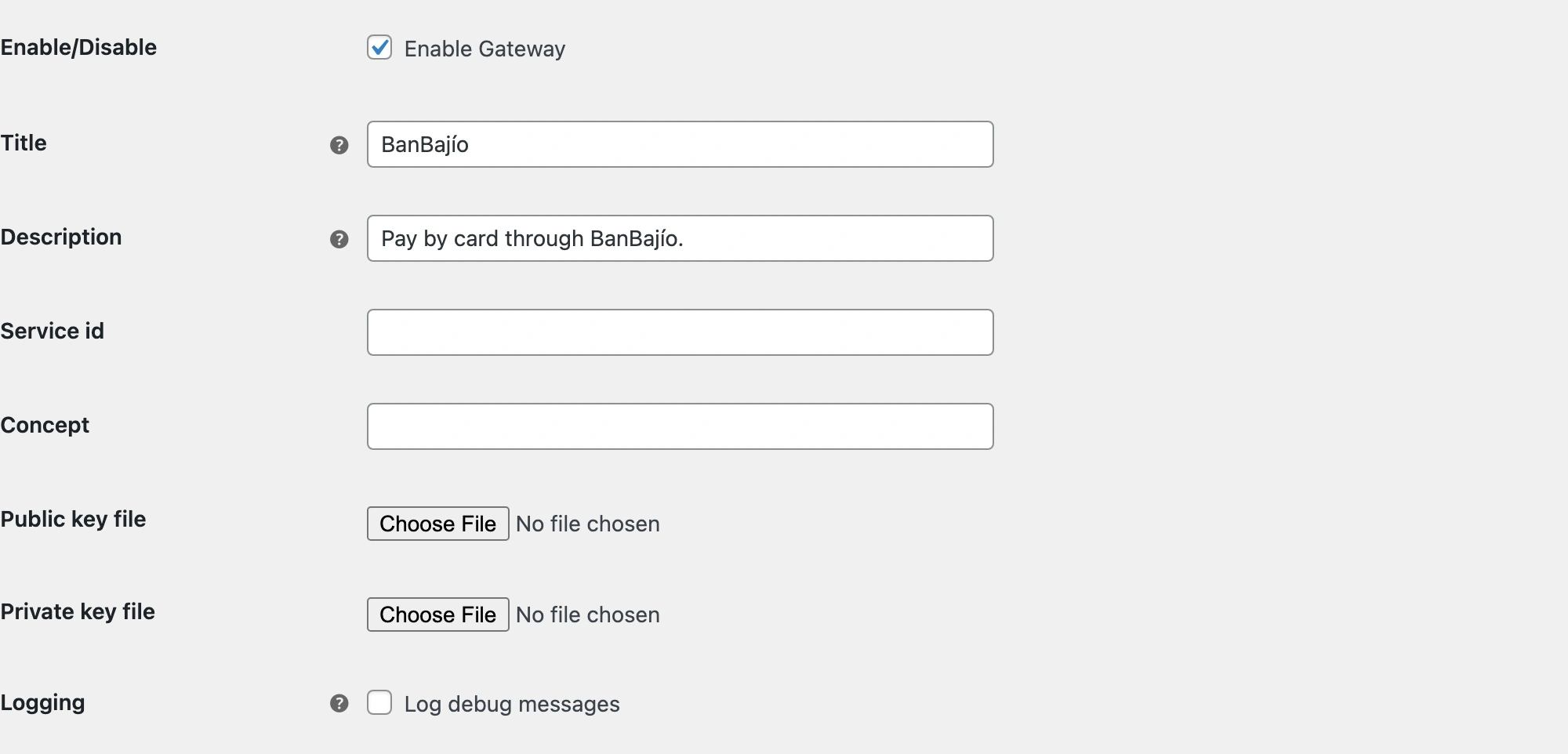
Configure the bank connection
I added a WooCommerce settings form for the payment label, description, service ID and payment concept. The integration also has file controls for its public and private keys and an optional logging setting. The local demonstration uses a descriptive checkout label; merchant IDs and key files are empty.
Keep the result with the order
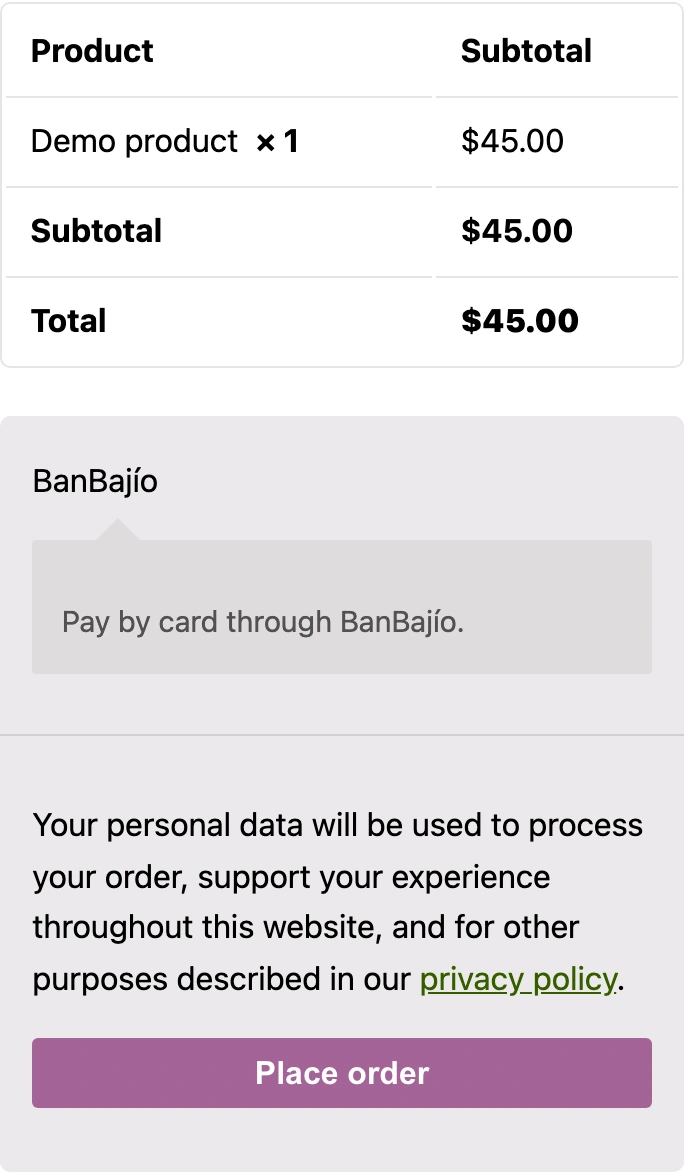
The payment handler prepares fields for the bank form using the WooCommerce order reference. Notification and status routes then connect the return to the store. The screenshots show the method before the bank handoff on desktop and mobile. They contain a demo product, not a live merchant account or completed card payment.
On a smaller screen
The original plugin checkout at a real 390-pixel browser width. This local demo uses a sample product and contains no merchant credentials or submitted payment.
The outcome
Service details, key-file controls and logging in WooCommerce settings.
Bank-form data, incoming notifications and order-status routes in one plugin.
Details of BanBajío
What was connected in this work?
I developed the BanBajío WooCommerce connection. The public implementation includes payment initiation, provider notifications, order lookup and status checks. Merchant configuration also includes certificate-file fields used by the integration.
Do the screenshots show real customer payments?
No. They show the original public plugin running in a local WordPress and WooCommerce demo. Merchant credentials are empty and the product and amount are demo data. The screenshots show settings and payment selection, not a completed transaction or the client's production store.
