5 Prism
feedback workflows for a coaching academy
I focus on permission and sequence: students, curators and administrators need different views of the same questionnaire and its results.
- Field
- Professional education
- Built with
- WordPress / PHP / PDF generation
- Project year
- 2023
The challenge
The academy needed a structured way to collect and review feedback from courses and coaching sessions. Different users required different access, and a questionnaire’s content and status had to reflect the session and the participant’s role.
The approach
A dedicated account area was developed in WordPress and PHP. Administrators can create questionnaires with different question formats, while students and curators see the forms and results relevant to their responsibilities.
The project, in detail
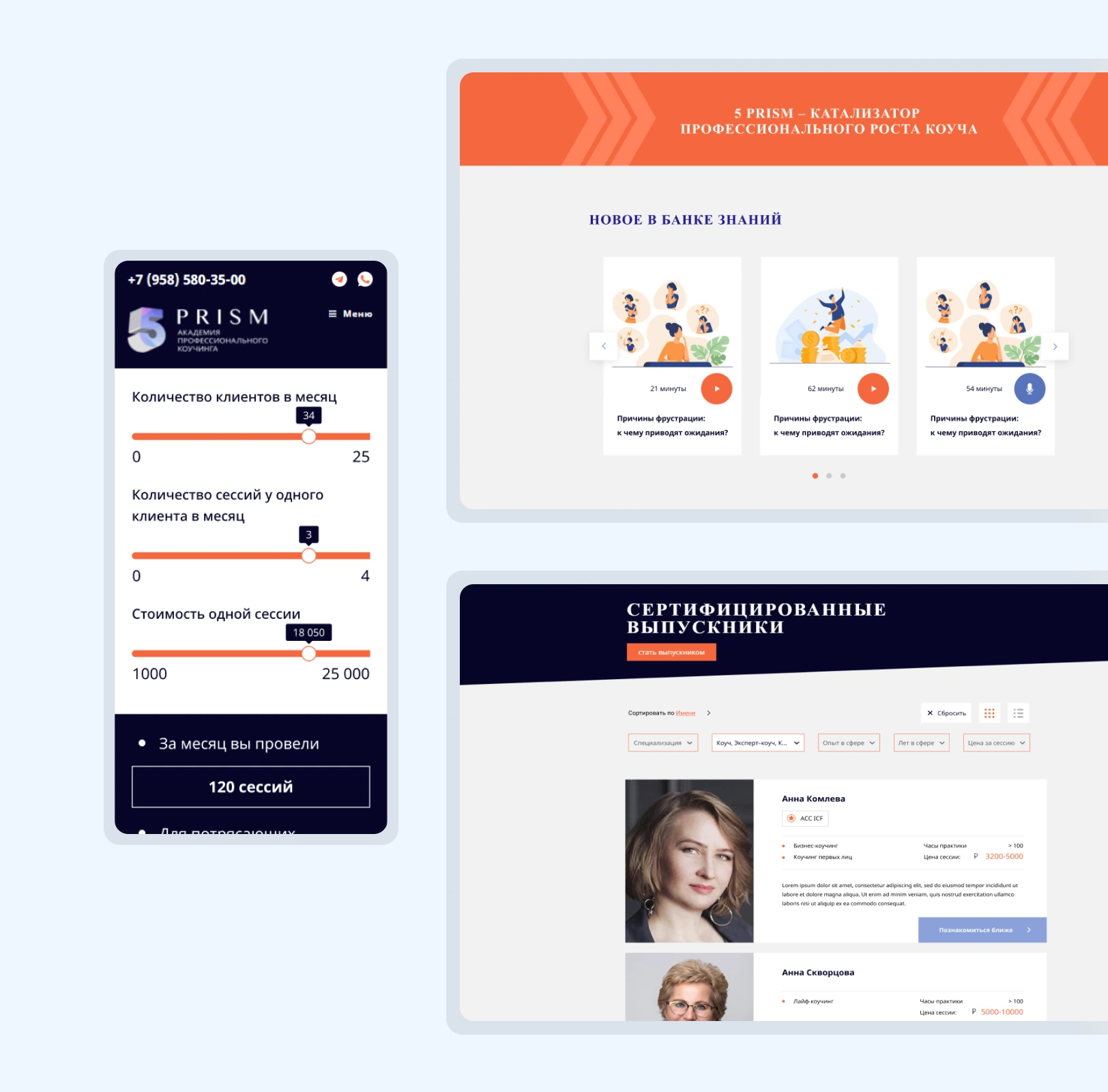
The images show the interface and its context. Captions distinguish project archives from current-site views.
Collect feedback inside the account
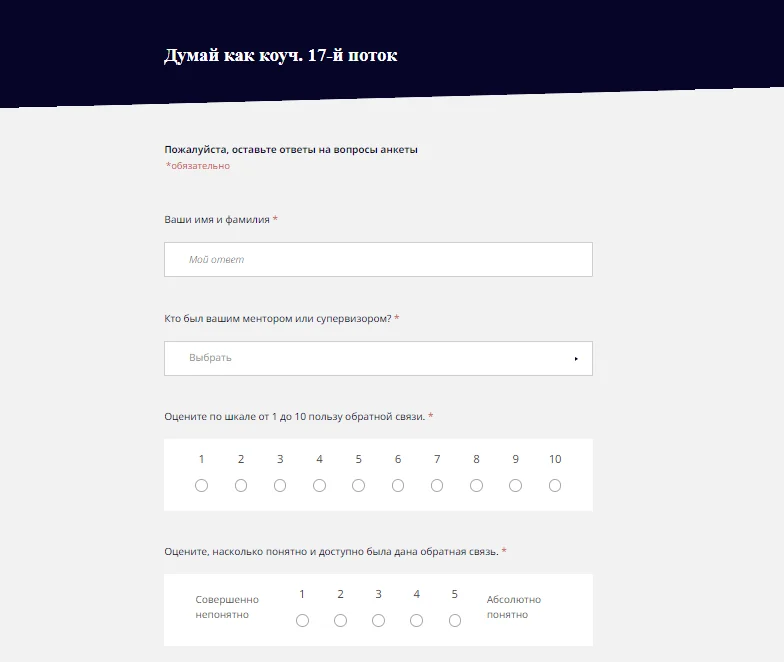
I built configurable course questionnaires in WordPress. Administrators can choose the question formats and number of questions; students can give feedback without leaving the academy’s account area.
Make each review step clear
Coaching-session forms follow completion, review or return, confirmation and submission. I connected access to the participant’s role and the form’s status. Filters help curators find the right session rather than search through unrelated submissions.
Keep the responses useful
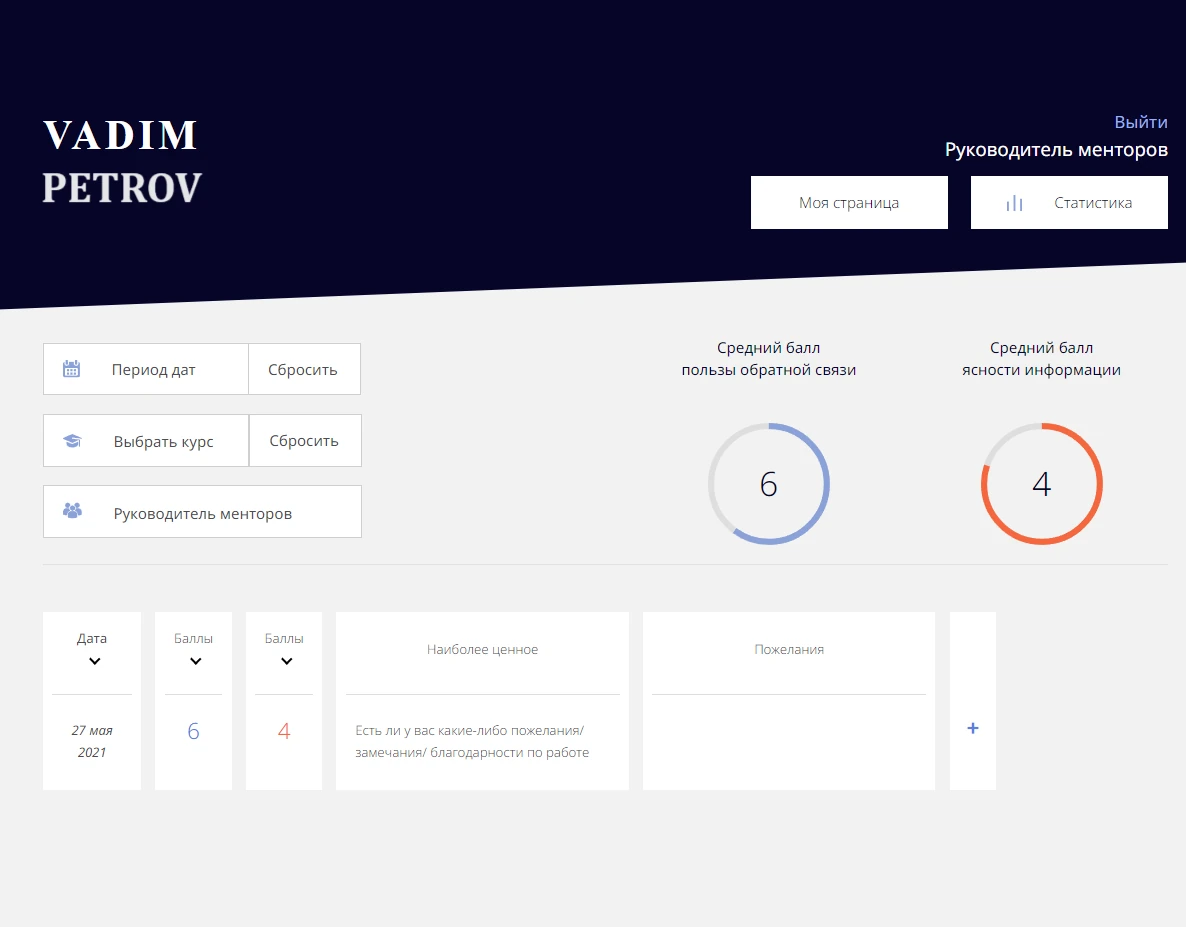
I built reporting by facilitator, with course and date filters and notifications for new feedback. A completed session questionnaire can also be downloaded as a PDF. The original screens show the questionnaire and reporting tools.

The outcome
Role-based questionnaire and approval workflows
Filtered feedback reporting and PDF copies
Details of 5 Prism
What operational work did this involve?
The portal separated student, curator and administrator permissions around questionnaires and feedback results.
